Handle every email before you open it
Follow-up done before you close your laptop
Your files, organized and acted on
Find anything, do something with it
Every record updated without lifting a finger
Start every morning already ahead
Your schedule managed, not just tracked
Your workflows, running on autopilot
Everything you need to get more out of Quin
Real customers, real results
Live sessions to level up your work
See exactly how Quin works
Insights, updates, and ideas from the team
Ready-to-run automations, built for your work
Insights, reflections, and advice from the Quin team.
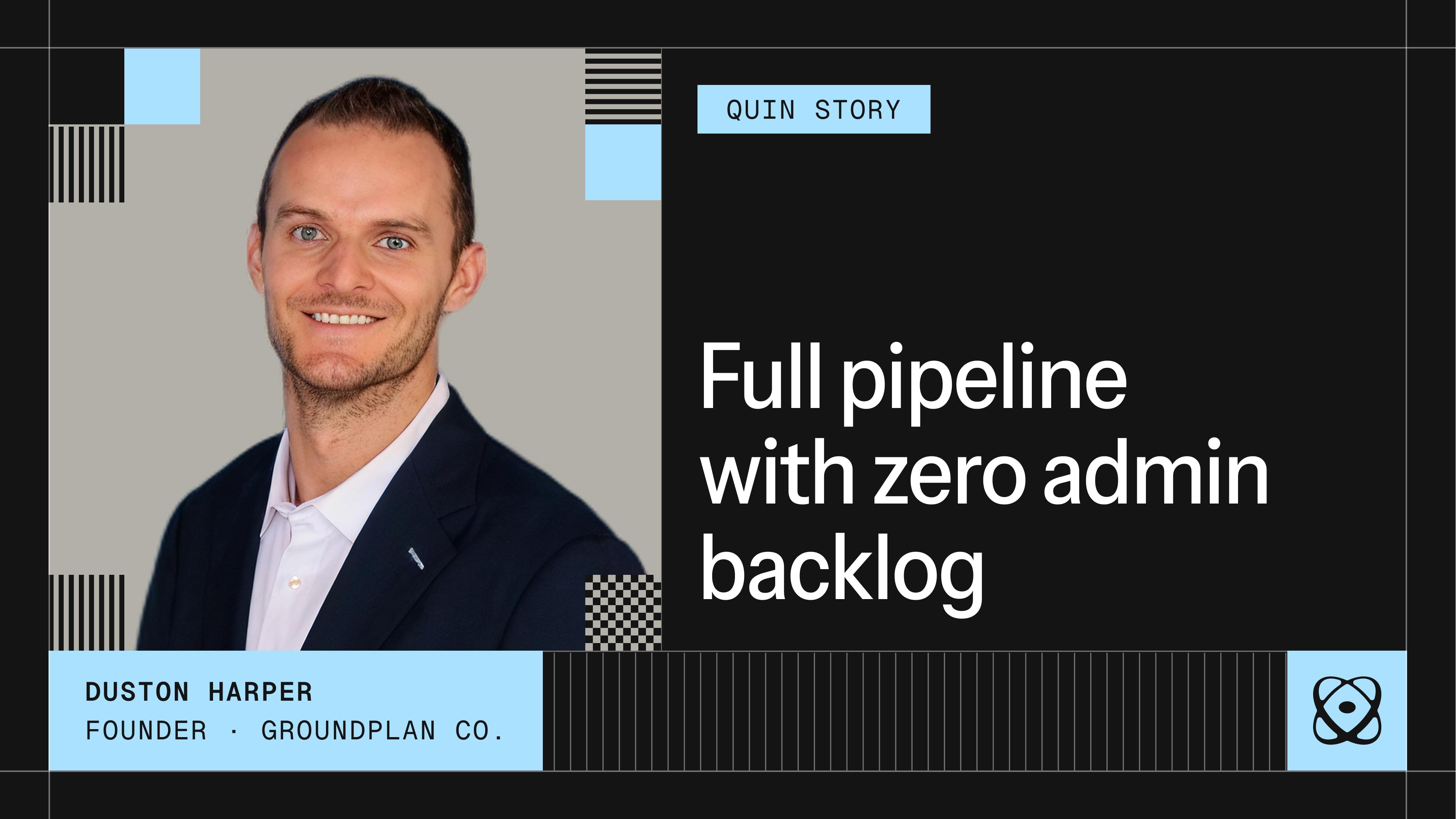
A conversation with Duston Harper, founder of Groundplan Co., on the sales traps that stall complex deals and where AI is actually helping behind the scenes. First in our Partner Interview Series.
Your Quin plan and usage now display in hours instead of credits, with the same price and the same plan, so your usage is easier to picture at a glance.
Quin can now write, upload, and reference company-specific facts on its own, so answers to policy and process questions don't depend on one person remembering them.
Quin co-founders Gabe Caldwell and Breena Fain join Beyond the IMO to unpack how Quin handles admin work advisors dread and why it's built differently.
63% of advisors are using AI, but most aren't seeing it change how they work.
Why small businesses and independent professionals are moving faster than enterprise, and what that means for you.
See how a sales consultant launching his second business used Quin to handle meeting prep, CRM updates, and follow-up drafts — and closed his first retainer client in month two without hiring an admin.
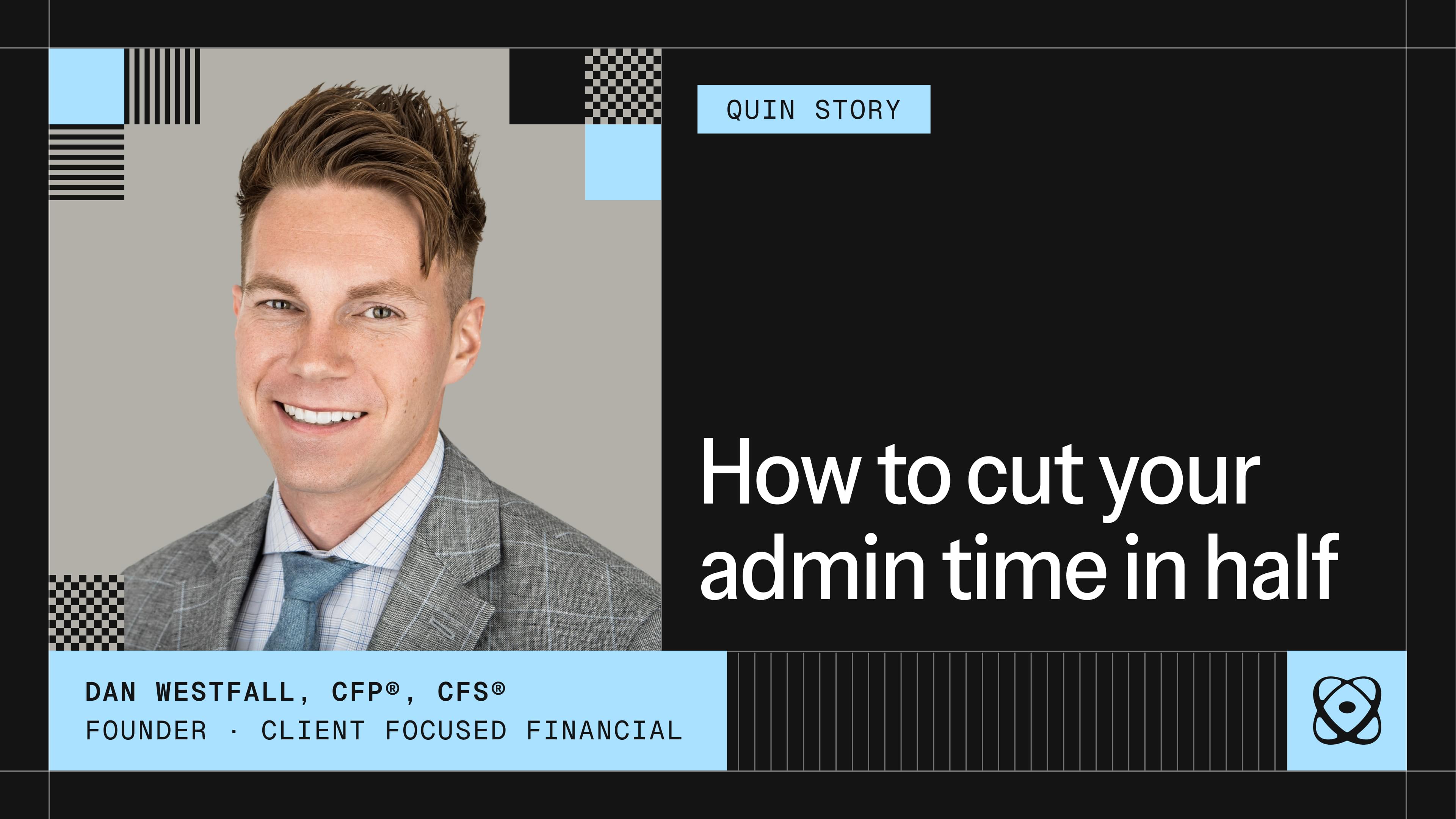
See how the president of a $250M wealth management practice recovered 10 hours a week by replacing manual meeting reminders and reactive inbox management with Quin — without changing how he works.
See how a Client Relationship Manager with institutional operations experience uses Quin to keep Salesforce current, eliminate manual CRM entry, and reclaim 10+ hours a month for the client work that actually matters.
See how a solo RIA managing 270 households avoided a $50K admin hire — by using Quin to handle follow-up, inbox management, and CRM updates consistently across every client interaction.
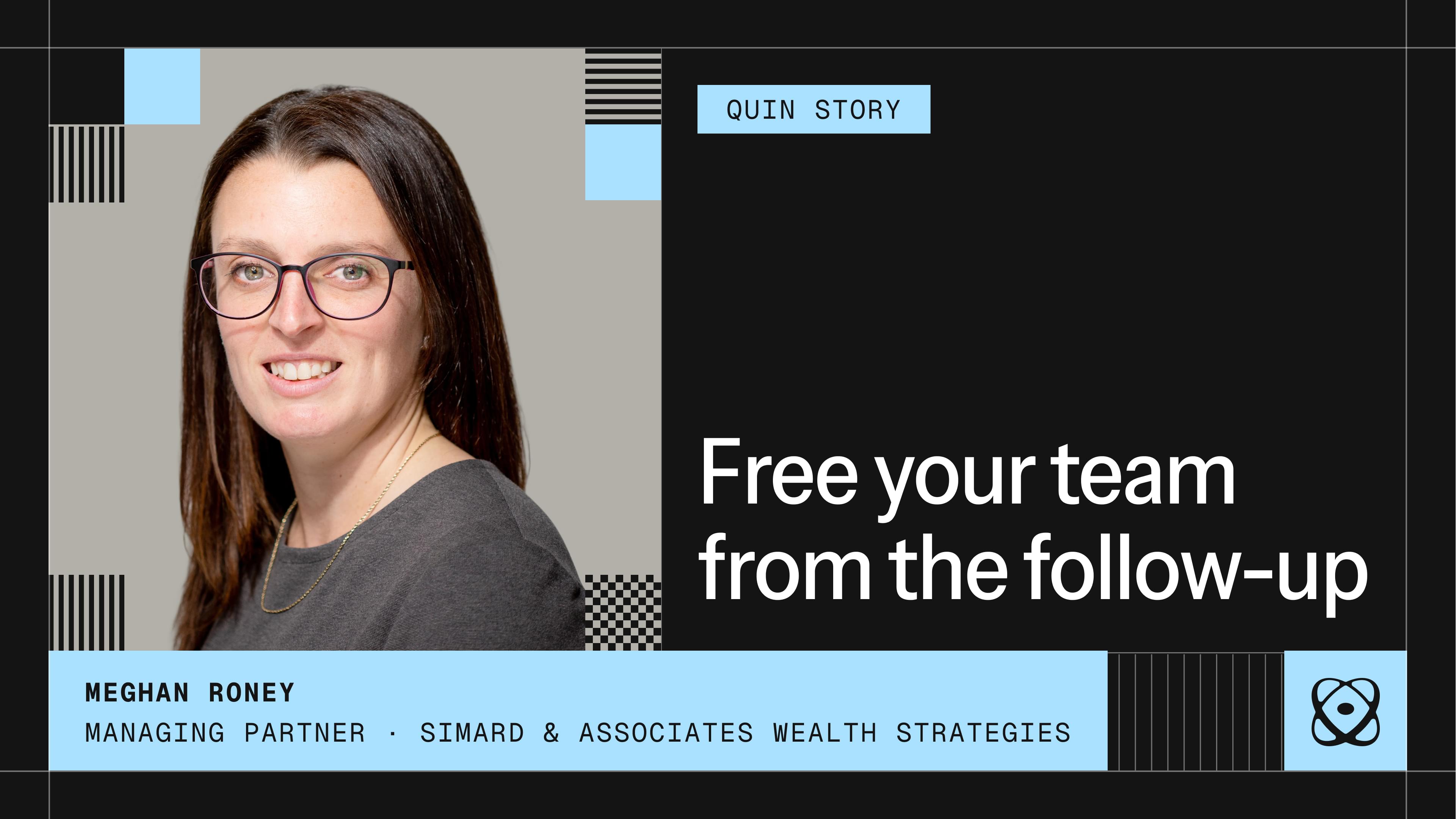
See how a managing partner at a multi-advisor firm built a team-wide Quin rollout in her first month — and turned Fridays from a catch-up day into a day off.
See how a high-volume virtual advisor running three businesses replaced standalone notetakers with Quin — and stopped losing time to the follow-up work that used to eat every gap between meetings.
Part 4 of our Power Workflow Series finishes up with how to take your Fridays back for good.
Part 3 of our Power Workflow Series continues with what connected systems can do for your client relationships between meetings.
Part 2 of our Power Workflow Series continues with what happens when that pays off in real time: showing up to a client meeting prepared.
Part 1 of our Power Workflow Series starts with a concept that’s been picking up real momentum in the productivity world over the last few years: the second brain.
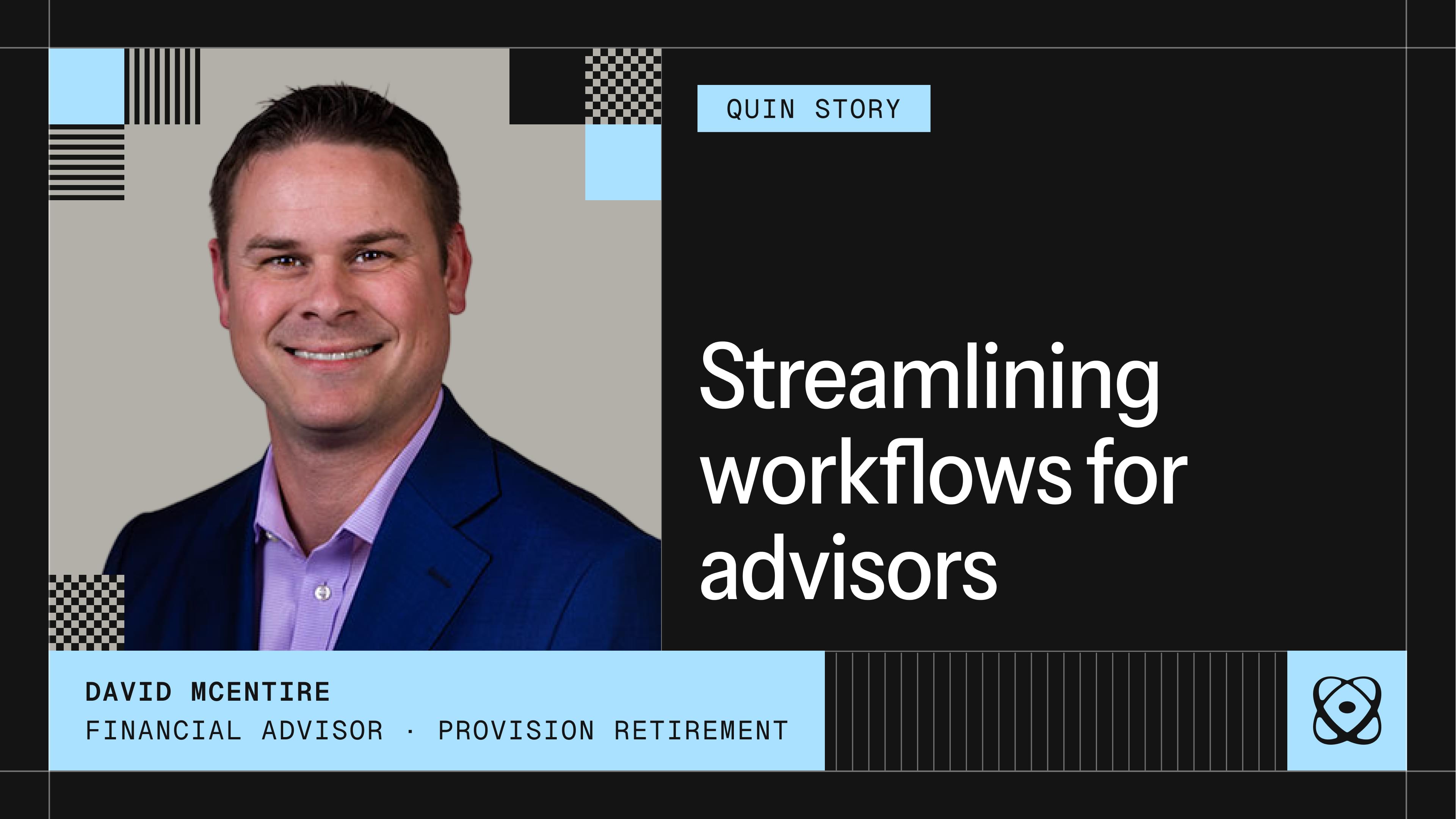
How a retirement specialist replaced a patchwork of disconnected tools with Quin and built a workflow that keeps every client commitment on track.
Quin's Notetaker joins your client meetings and handles the follow-up automatically: notes, CRM updates, drafted emails, and tasks created before your next call starts.
Pull relevant context from your CRM, email history, and open commitments before every call, so you walk in ready to continue the conversation instead of catching up on it.
Quin's workflows adapt to how you work. You can set them to run on whatever schedule matches your routine—not generic defaults, but the specific timing that fits when you'll use the information.
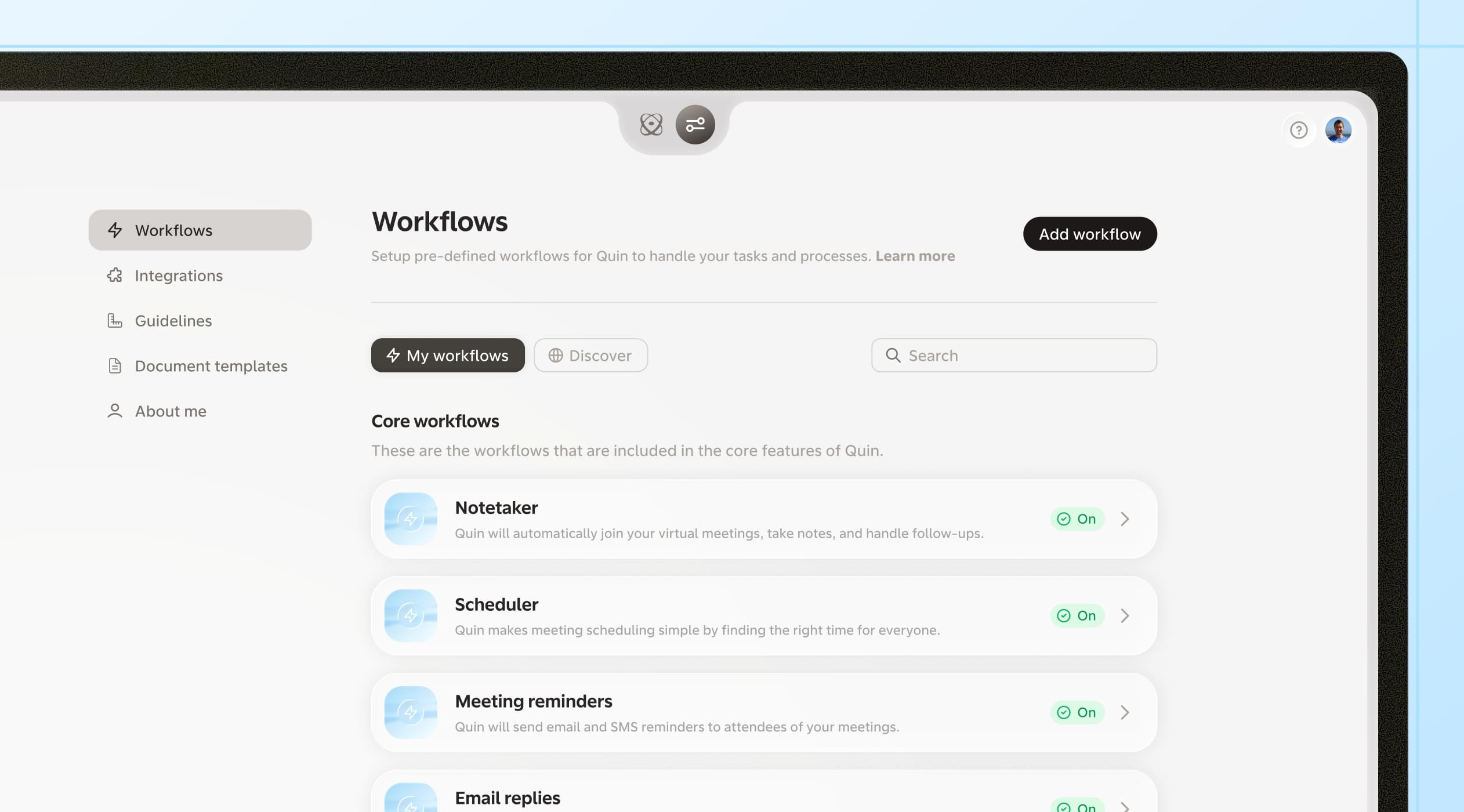
We’ve redesigned how you customize Quin—and made Workflows the center of the experience. Set up recurring tasks, meeting follow-ups, and reminders in plain language, add pre-built templates with one click, and let Quin handle the busywork in the background. Set it once, and move on.
How advisors can streamline their entire client journey with seven automations that handle the repetitive work automatically.
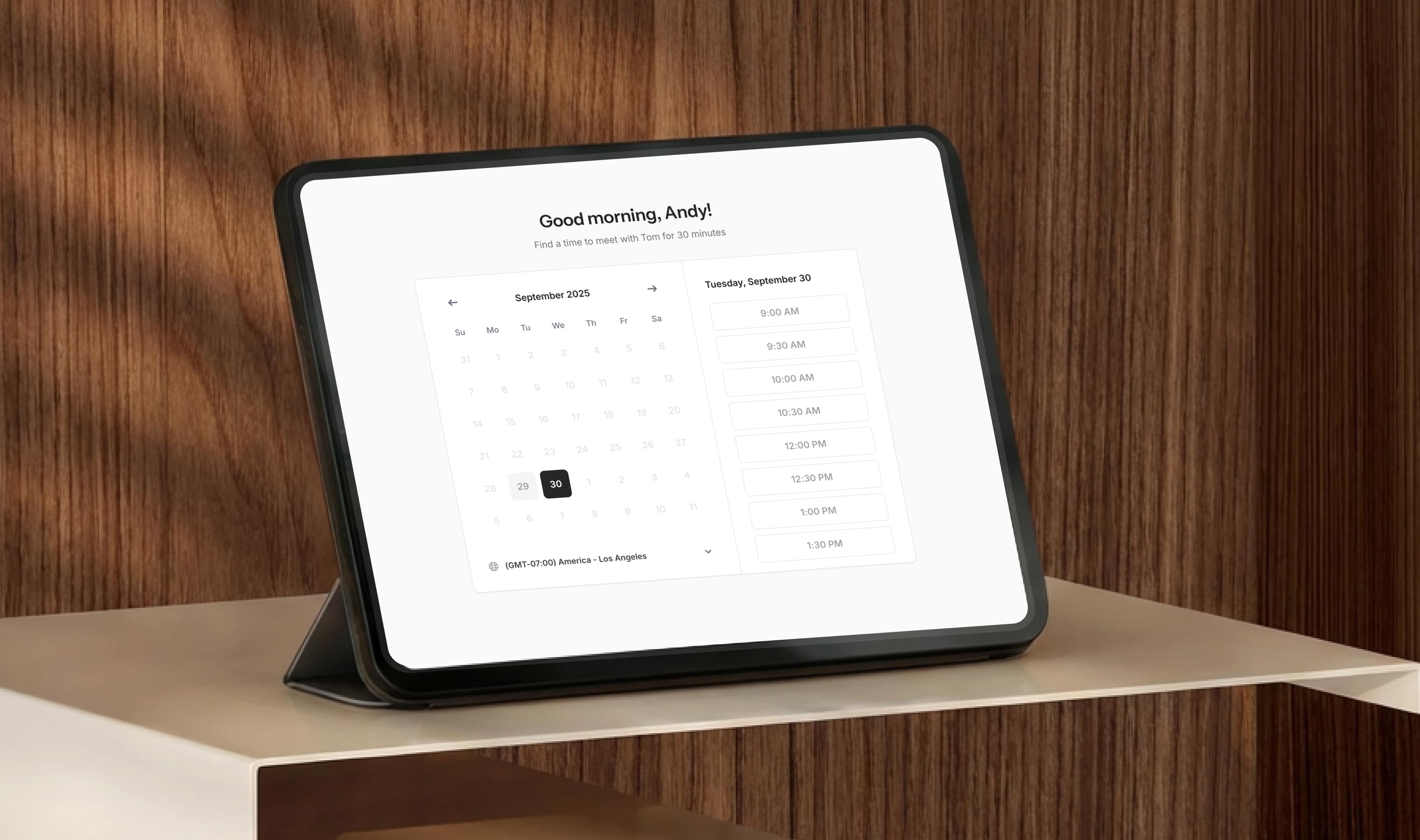
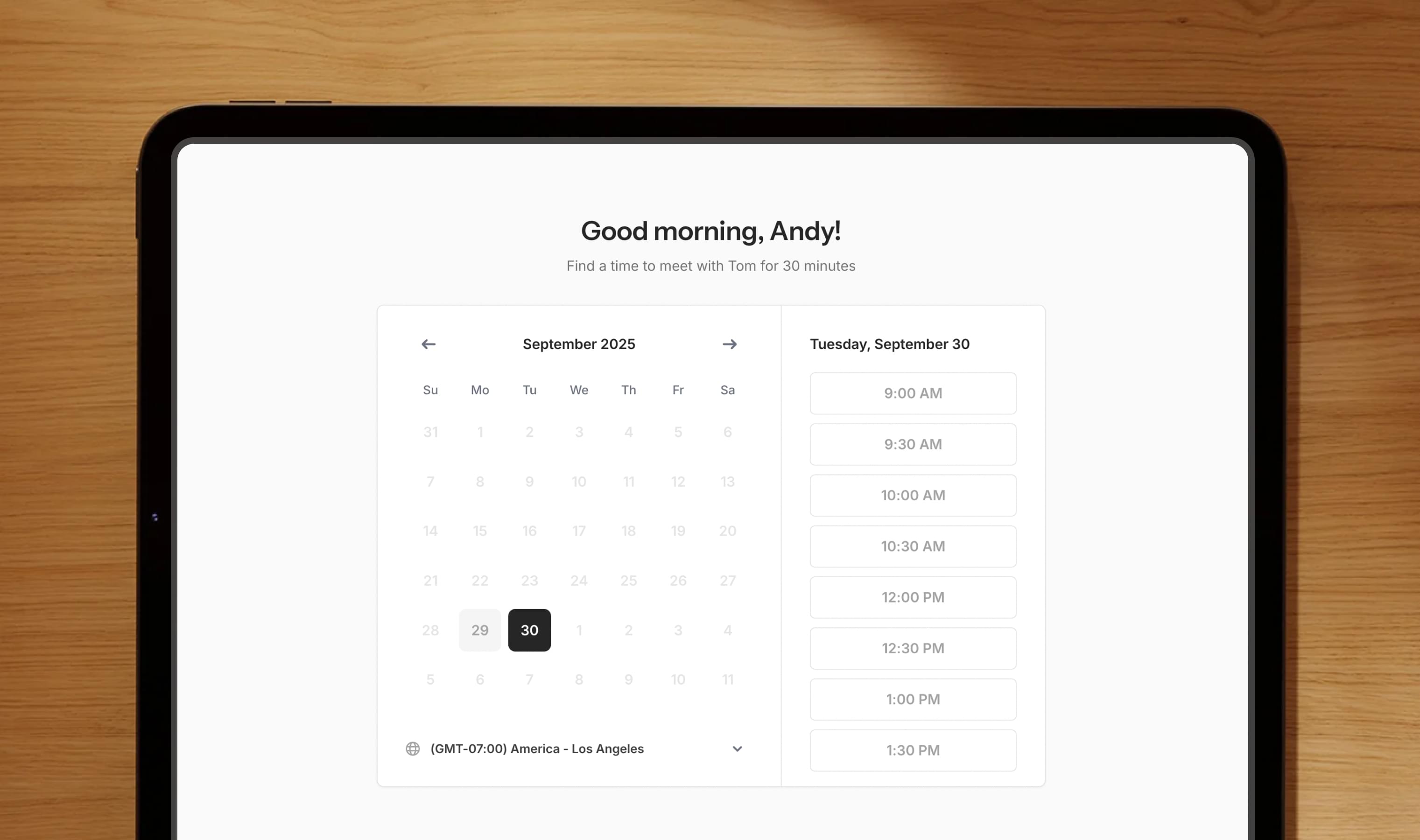
Your scheduling link should do more than book meetings. Here’s how to design a flow that reduces no-shows and connects every step of your workflow.
A clear breakdown of why recording meetings isn’t enough and what real assistance actually looks like after the conversation ends.
Learn how Quin consolidates the five most common productivity subscriptions into a single, seamless platform, eliminating friction and keeping client context connected.
Templates turn your repeatable workflows into something Quin can handle for you — consistently and in your voice. Browse the new Template Library, make them your own, and apply them anywhere in Quin.
Record in-person meetings right from Quin. Capture conversations using your device’s native audio and get automatic recaps and transcripts, all in one place.
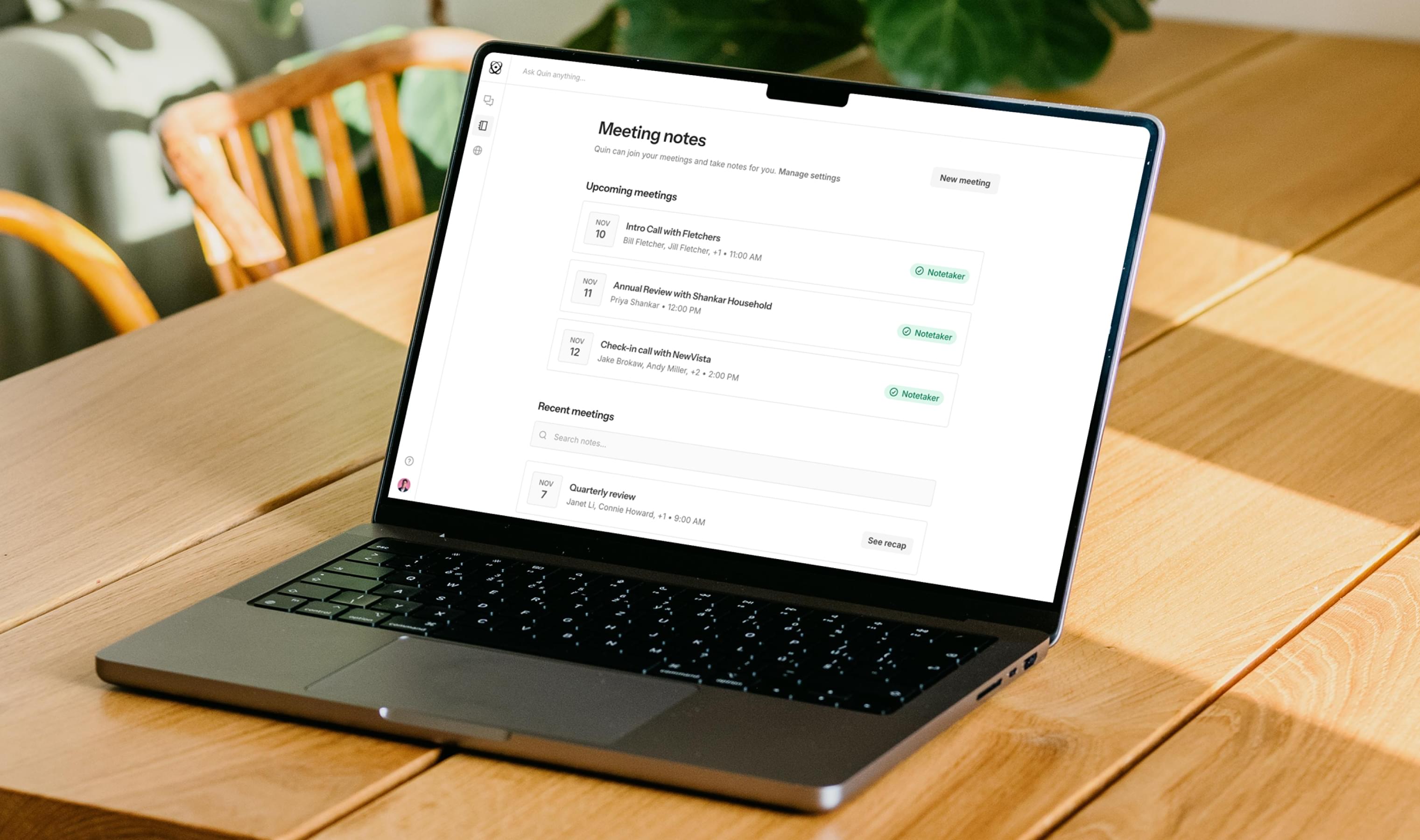
Quin’s new Meeting notes page keeps every note, recap, and transcript organized and searchable—so you can review, prepare, and follow up with ease.
Quin automatically reminds your guests by email or text, reducing no-shows and keeping meetings on track — no extra apps needed.
Every person works differently. Here’s how Quin adapts to your unique rhythm—without breaking your team’s structure.
Discover how top users personalize Quin with Guidelines. The new in-app library lets you browse, copy, and customize real examples by role, use case, and workflow.
Quin keeps your inbox moving by drafting timely, personalized follow-ups automatically—replacing expensive tools like Fyxer, Perplexity Email Assistant, and Superhuman, all at no extra cost.
Quin’s meeting scheduler isn’t another bloated tool like Calendly—it’s the simple, built-in way to book meetings with personalized links, smart automation, and zero extra cost.
Advisors love client meetings but lose hours to the admin that follows — Quin turns those notes, tasks, and follow-ups into instant updates so nothing slips and your time stays client-focused.
The best candidates don't stay available long, so turning every client conversation into immediate candidate updates keeps top talent engaged while competitors are still writing their first follow-up email.
Most sales reps lose more deals to slow follow-up than to actual objections, but maintaining momentum requires turning every prospect conversation into immediate action while deals are still hot.
Meeting recording tools promise to eliminate note-taking but actually create new work—processing pages of transcripts to figure out what matters and what needs to happen next.
Regular client conversations contain important personal updates that shape financial decisions, but these details get lost when you're focused on the discussion instead of documenting every family change and life event.
Your CRM data stays messy because updating it requires stopping productive work at the worst possible moment—right when you're most engaged with important conversations.
Stop scrambling between meetings by automatically adding context to your calendar and handling follow-up work while you walk to your next call.
Gather prospect background from LinkedIn, company websites, and recent news in one organized summary instead of frantically switching between multiple browser tabs before calls.
Quin provides assistance that adapts to how you work, not automation that forces you to change your workflow to fit rigid systems.
Handle CRM updates hands-free using voice commands when typing isn't convenient or possible.
Turn prospect research into focused meeting prep without falling down browser rabbit holes.
Transform Quin from a helpful tool into a personalized assistant by writing clear guidelines using definitive ALWAYS, NEVER, and WHEN statements that eliminate repetitive decisions and create seamless automation.
Search through all your CRM notes and contact fields using natural language to find specific information about clients and conversations without scrolling through months of records.
Use voice commands to capture work insights and update your CRM hands-free when you're driving, exercising, or spending time with family.
Turn meeting recordings into actionable summaries with automatic CRM updates, task assignments, and drafted follow-ups instead of just getting another transcript to process.
Automatically organize client documents by attaching them to the right contact records based on conversation context and file content, eliminating manual filing and search time.
Generate context-appropriate emails for introductions, project updates, check-ins, and proposals that match your writing style and adapt to different recipients and situations.
Generate targeted meeting updates for different team members based on their roles and what information they need to stay aligned and move projects forward.
Set up contextual reminders for client commitments and follow-up timing mentioned during conversations, ensuring important deadlines surface at the right time with relevant background information.
Update your CRM and create follow-up tasks directly from Slack channels and DMs, keeping team communication flowing while business systems stay current.
Send voice notes to Quin for automatic transcription and processing into CRM updates, follow-up tasks, and scheduled meetings while you move to your next appointment.
Convert handwritten meeting notes into organized CRM updates and follow-up tasks by sending photos of your notebook pages to Quin for automatic processing.
Automatically populate custom CRM fields with information mentioned during client conversations, ensuring compliance tracking and specialized data requirements stay current without manual form-filling.
Add relevant context and background information to calendar events automatically, so every meeting starts with the relationship history and current priorities you need for productive conversations.
Automatically assign meeting follow-ups and client tasks to the right team members based on established patterns, eliminating coordination delays that slow project momentum.
Transform one-time client communication promises into reliable recurring reminders that maintain relationship context and ensure consistent follow-through.
Turn the key information you find in contracts and documents into organized CRM updates and follow-up tasks without manual data entry.
Maintain consistent communication tone and style across all client interactions, regardless of when emails are written or how busy your day becomes.
Access relevant conversation history and context to create seamless interactions that build on previous discussions without requiring clients to repeat background information.
Transform detailed meeting histories into strategic 4-sentence summaries that provide instant context for sales calls and outreach decisions.
Turn casual mentions of future projects and expansion plans into tracked opportunities in your CRM automatically, without stopping to handle data entry tasks.
Set your workflow preferences once with Quin's Guidelines feature and have them applied automatically to all future tasks, eliminating the need to repeat instructions for email tone, task assignments, and formatting standards.
Update client records and capture important changes using voice notes when you're away from your computer, eliminating the backlog of information that typically gets lost between conversations and data entry.
Transform your meeting notes into polished follow-up emails automatically, eliminating the blank page problem and keeping your communications moving.
Send quick text messages to update contact records, create tasks, and schedule meetings instantly, eliminating the delay between learning something and acting on it.
Automatically extract action items from meeting notes and create properly assigned tasks with deadlines, eliminating the manual work of turning conversations into trackable commitments.
Schedule meetings on behalf of executives with automatic availability checking, attendee coordination, and preparation materials, eliminating the back-and-forth of calendar management.
Create complete calendar invites with multiple attendees, agendas, and follow-up communications automatically, eliminating the administrative work of meeting coordination.
Quin automatically identifies and captures business opportunities mentioned casually in conversations, turning them into trackable pipeline records before they get forgotten.
Contact information changes constantly during conversations, but updating CRM records typically means stopping your workflow to log in and make manual changes, so this feature lets you update any contact field by simply describing what needs to change.
Adding new contacts to Salesforce typically means stopping your workflow to fill out forms, but this feature lets you create complete contact records immediately by describing the person and how you met them.
Email drafting tools typically sound robotic and templated, creating disconnect with clients who notice the shift from your natural voice. This approach learns from your sent messages to maintain authentic tone that clients recognize as genuinely yours.
Get our latest posts delivered straight to your inbox.
By clicking Subscribe you're confirming that you agree with our Terms and Conditions.




















.jpg)

.jpg)

.jpg)


.jpg)




.jpg)

%201.jpg)





.jpg)


.jpg)



