Documents that match your firm exactly
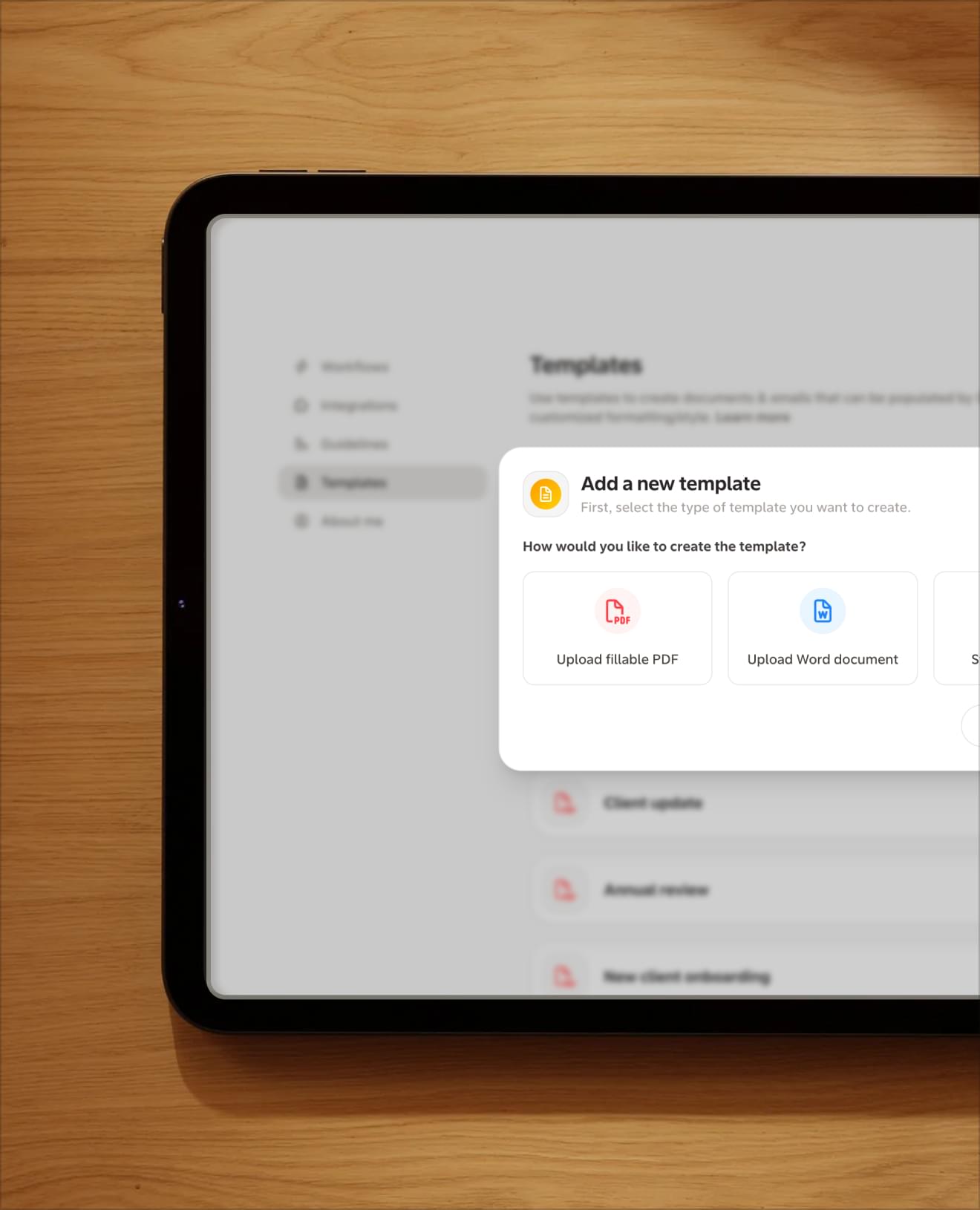
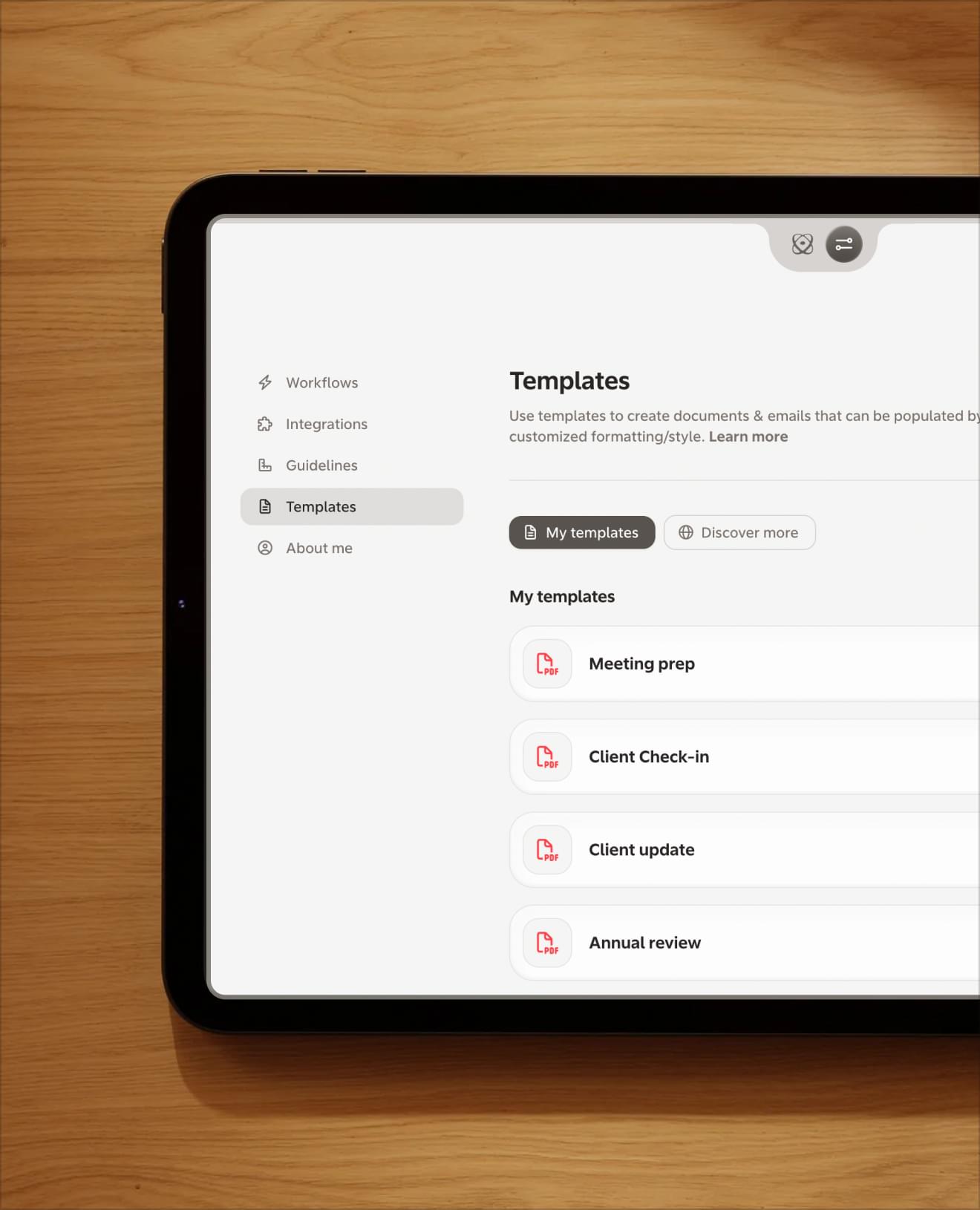
Quin uses your templates to produce client letters, intake forms, recap emails, and any other document your business runs on. Upload what you already have or build a template from scratch in Quin.
Some documents have to look a specific way
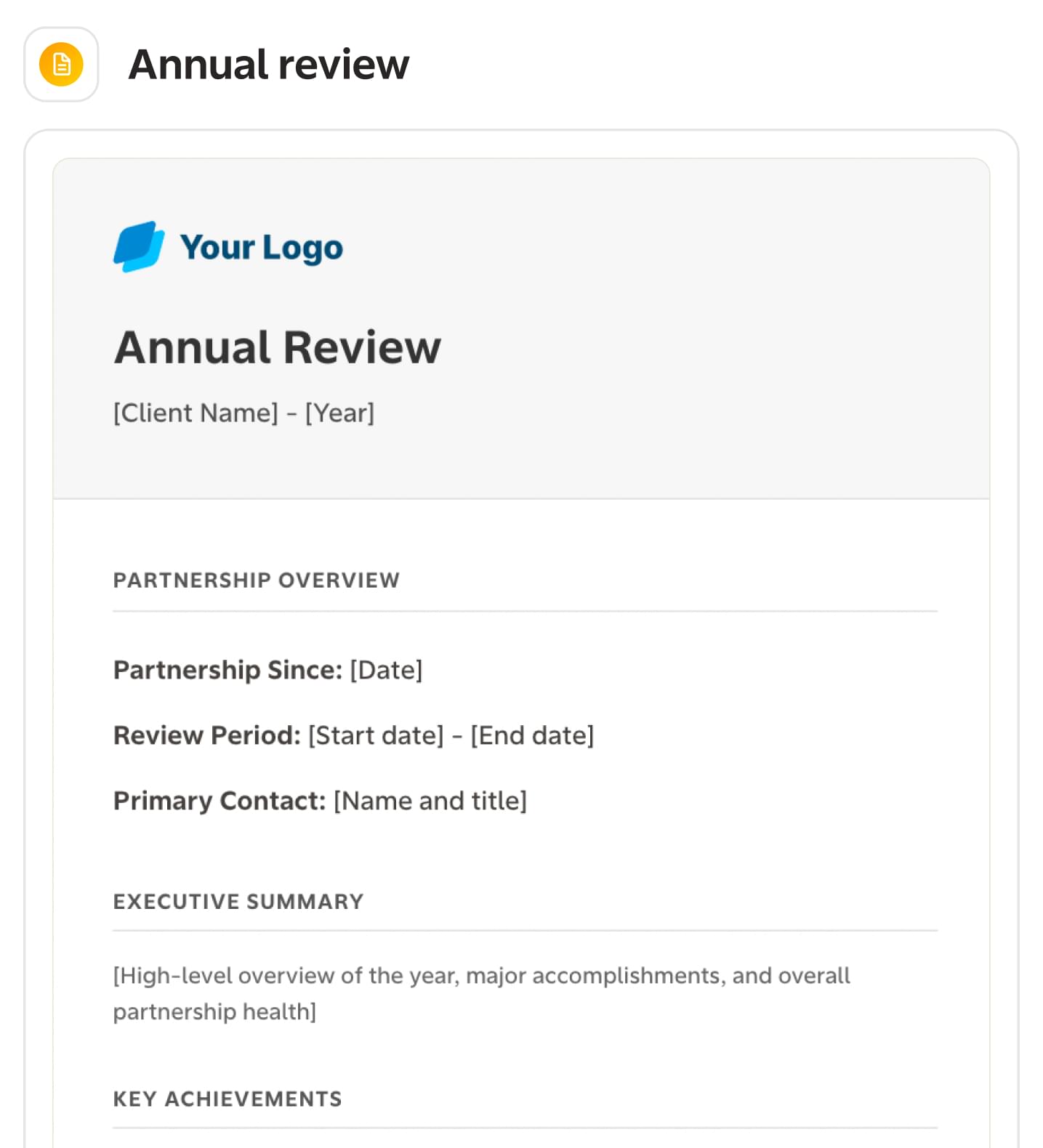
Year-end letters use your firm's letterhead. Compliance forms have specific fields in specific places. Recap emails follow a structure your clients have come to expect. Templates are how Quin produces every deliverable in your firm's exact format.
Three ways to build a template
Fillable PDF templates
Upload a fillable PDF and Quin populates the fields with the right information from your CRM, your meetings, or your conversations.
Word document templates
Upload a Word document with merge tags like {First_Name} or {Email_Address}, and Quin replaces them with real values from your data.
Made in Quin
Build a template directly in Quin without uploading anything. Quin generates the output and delivers it as a PDF, a Word file, or an email.
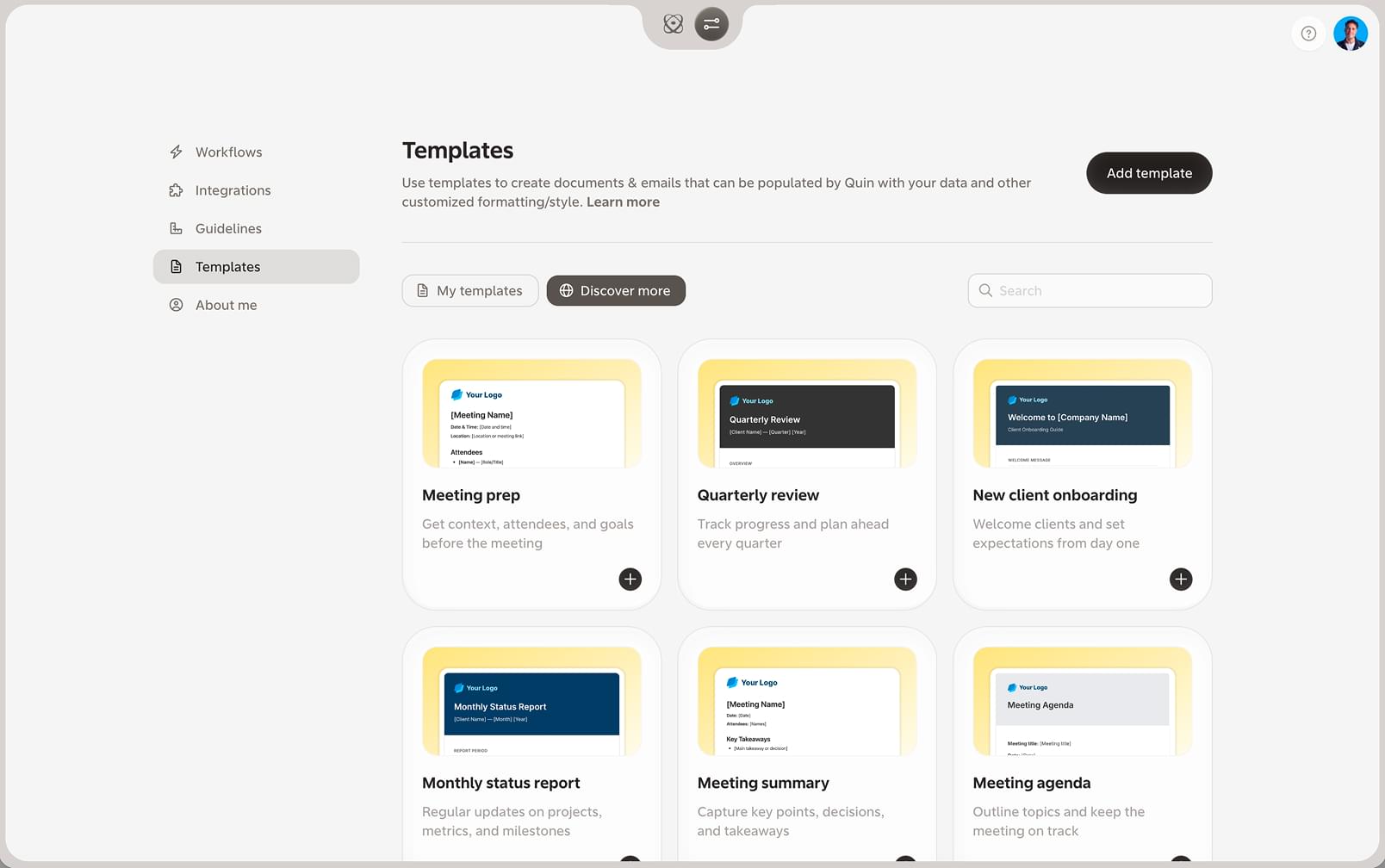
Build a template, then send Quin to work
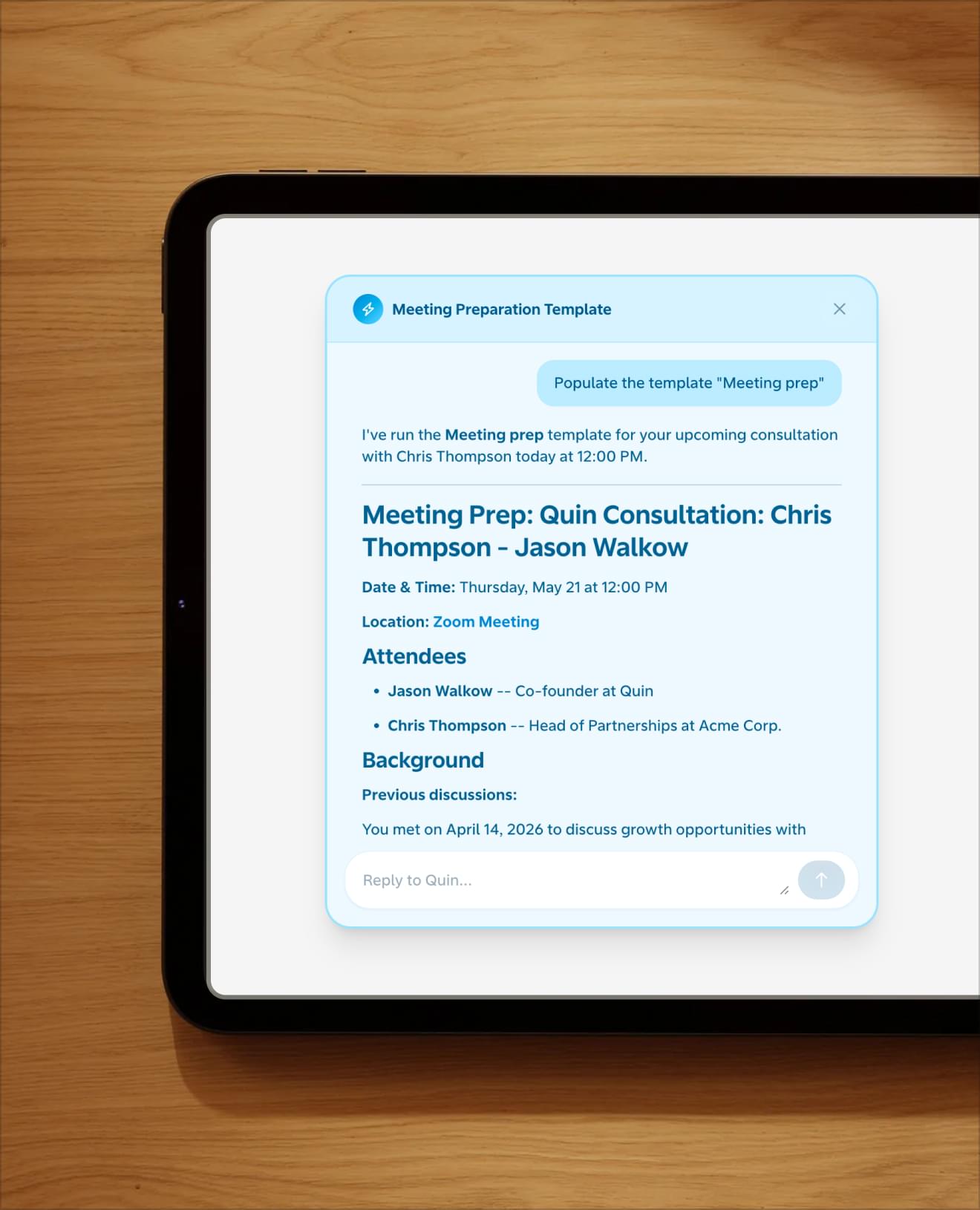
"I have a meeting at 11:30 and it's 11:29, and I just forgot about it. I can literally prep for that meeting in less than a minute."

Justin Lotano
ShorePoint Wealth Management
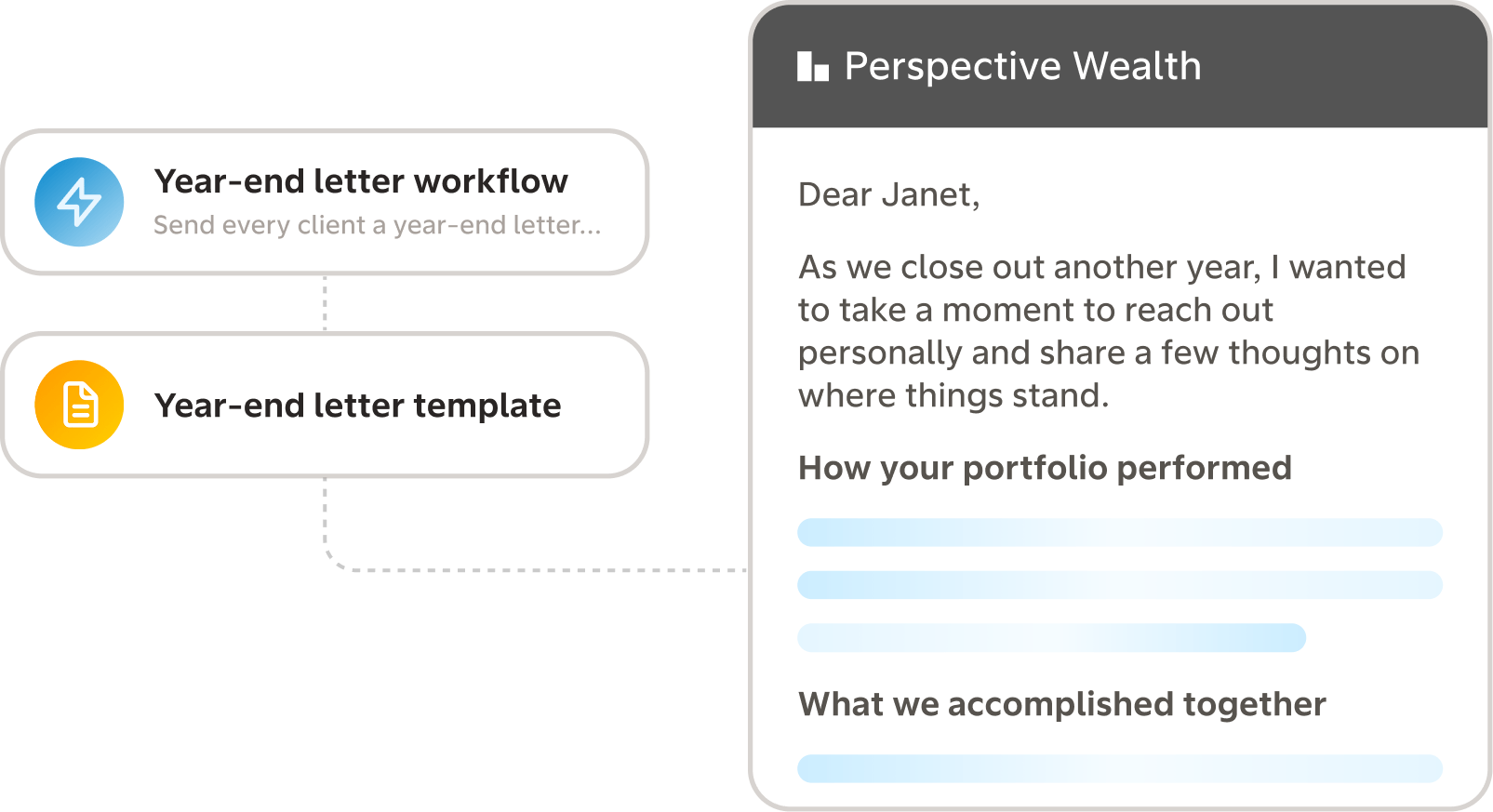
Templates and workflows are two halves of the same job
Workflows tell Quin what to do and when. Templates tell Quin what the output looks like. A workflow might say "send every client a year-end letter the first week of December." The template tells Quin what that letter looks like. Used together, they cover both ends of the work.