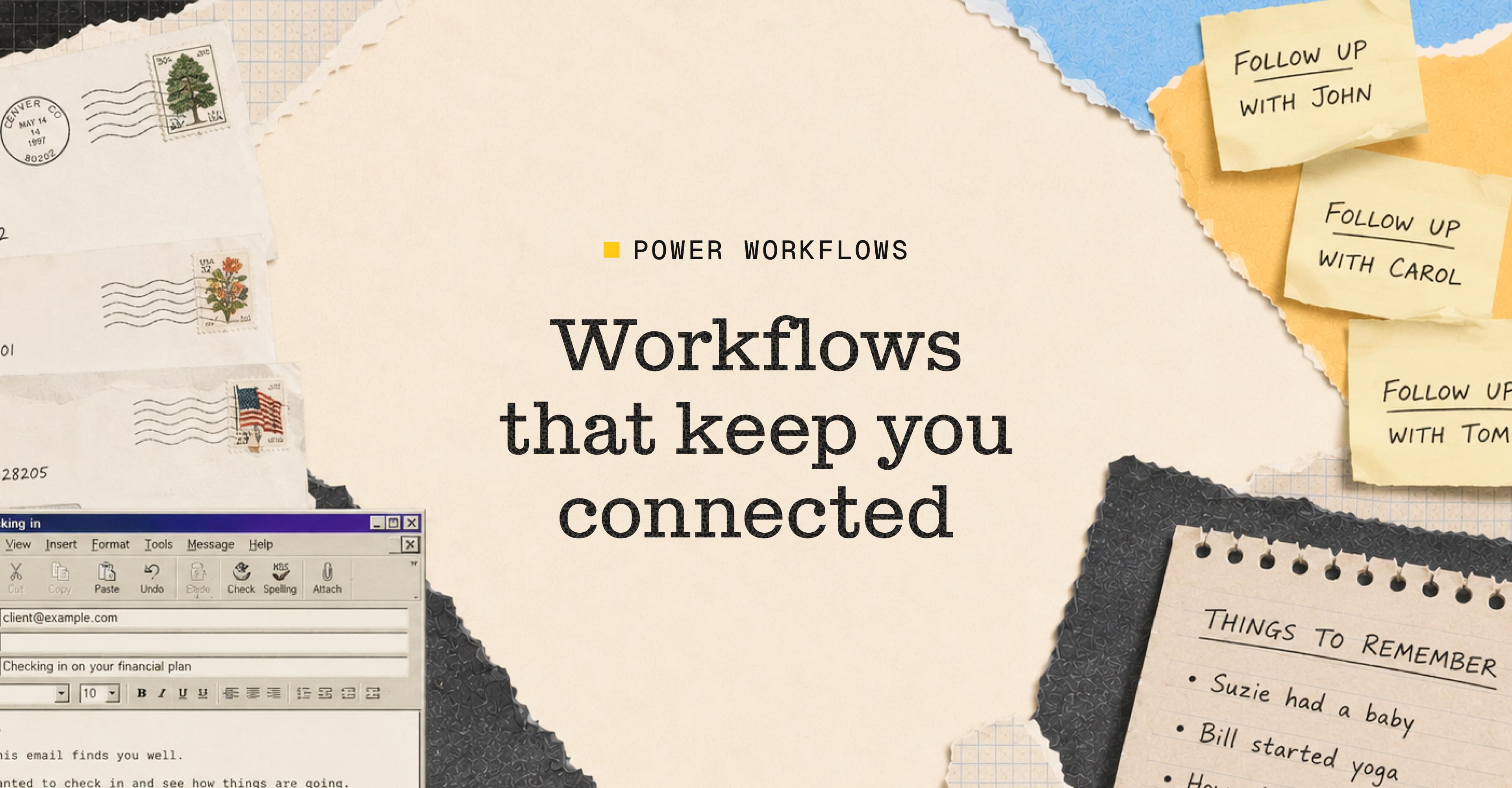
Workflows that keep you connected
June 4, 2026
Your integrations are connected. Your Notetaker is configured to handle different meeting types. Your Daily Brief is already pulling context every morning. Now we’re going to talk about what that same system can do for your client relationships between meetings — which is, honestly, where most of them are won or lost.
The slow drift
Most advisors don’t lose clients because something went wrong. They lose them to drift. The slow accumulation of not following up after a life event, missing the birthday, forgetting the thing someone mentioned about their daughter’s college plans. Nothing dramatic. Just the gradual sense, on the client’s end, that they’re not quite top of mind.
Staying connected to 80 or 100 people at a meaningful level isn’t a willpower problem. It’s a systems problem. Your brain can’t hold all of it, and no amount of intention fixes that. What fixes it is a system that tracks the details, surfaces the right ones at the right time, and makes it easy to act on them.
A recent piece in the Globe and Mail on AI and advisory practice put it well - advisors using AI tools are reclaiming anywhere from one to twenty hours a week by removing repetitive administrative work. And the ones pulling ahead are using that time to stay more present with more clients.
The insight is that AI makes genuine personalization at scale possible for the first time. Not just faster communication, but more thoughtful communication, because the context is already there when you need it.
You bring the judgment and the warmth. The system makes sure you show up.
Where to start in Quin
Three workflows worth setting up this week:
- Birthday and milestone reminders
At the start of each month, Quin sends you a list of clients with birthdays and anniversaries coming up, with enough context to send something that actually feels personal. It takes about two minutes to set up and runs on its own after that. - Life event follow-up
This one is a direct extension of how you’ve configured your Notetaker. When you’ve told Quin to watch for life events — a job change, a health update, a family milestone — it captures them during meetings and this workflow triggers a follow-up at the right time. It feels minor until you realize how many of those moments were slipping by before, not because you didn’t care, but because nothing was watching for them. - Client activity report
An on-demand summary of everything that’s happened with a specific client — meetings, emails, tasks, notes. Useful before any important conversation, but also a good way to spot who you haven’t been in touch with in a while.
None of these require ongoing effort. You set them up once and they run. That’s the pattern across everything in this series — the work is front-loaded, and everything after it takes care of itself. Next week we’ll show you what it looks like when all of it runs together.
#skills