Less work. More consistency. Templates are here.
November 21, 2025

Some work you shouldn’t have to do twice.
Templates help you turn the things you write and structure over and over again into something Quin can take off your plate — reliably, consistently, and in your voice. Today we’re introducing the Template Library: a collection of pre-built templates for the workflows professionals use every day. Use them as-is or make them completely your own.
Why Templates matter
Templates aren’t just a nice-to-have. They quietly level up everything Quin produces for you.
Whenever you reference a template — in chat, in your guidelines, or through scheduled tasks — Quin uses it to shape the structure, tone, and content of what it generates.
That means:
- Your meeting prep looks the same every time
- Your follow-up emails follow your exact style
- Your client updates stay consistent across your team
- Your notes feel intentional instead of improvised
- Your workflows become repeatable (and teachable)
Set it up once, and Quin keeps things aligned from then on.
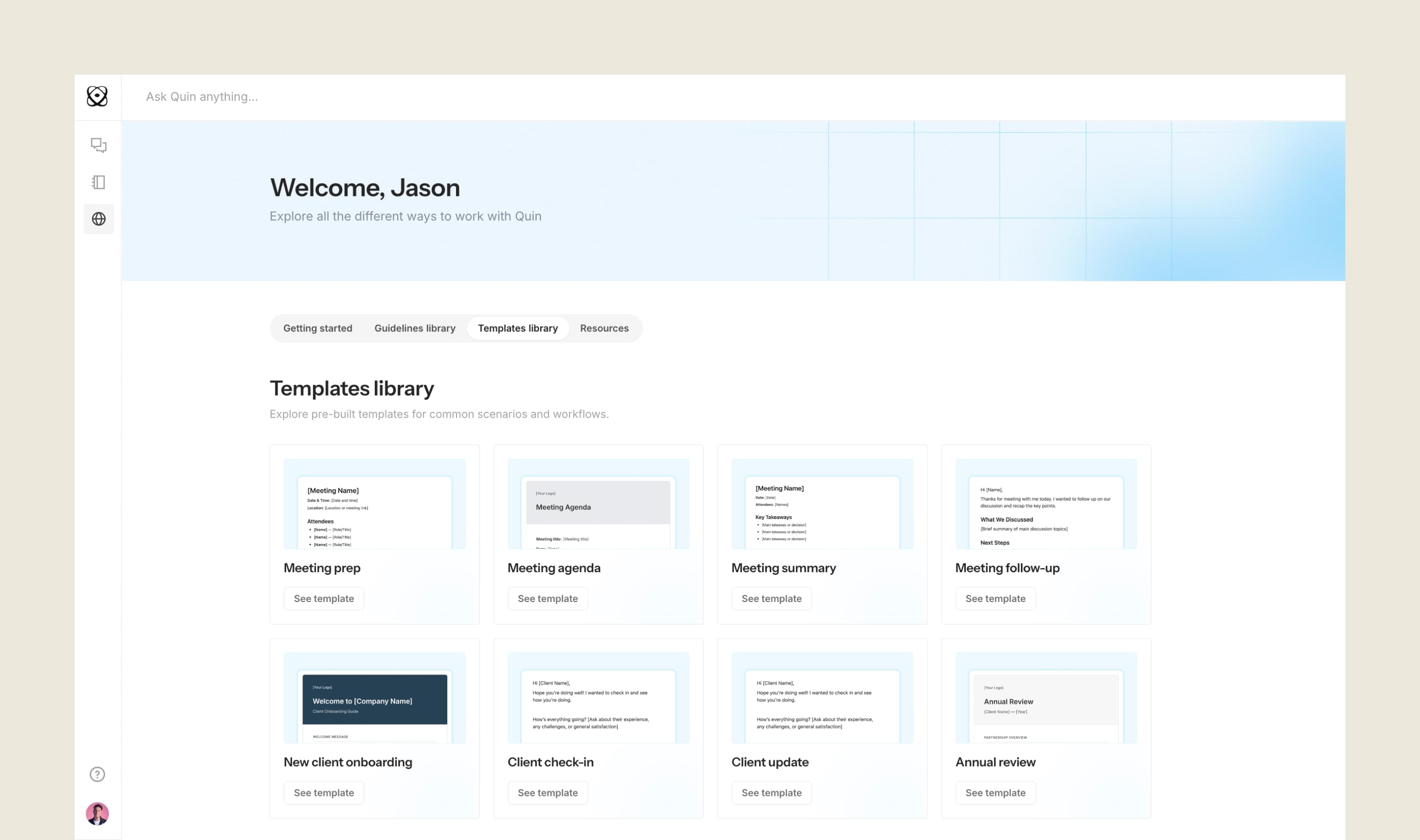
Explore the new Template Library
You’ll find ready-made templates for scenarios like:
- Meeting prep
- Meeting agendas
- Meeting summaries
- Follow-ups
- Client onboarding
- Client check-ins and updates
- Annual reviews
Each one gives you a clear structure with customizable placeholders — so you never start with a blank page again.
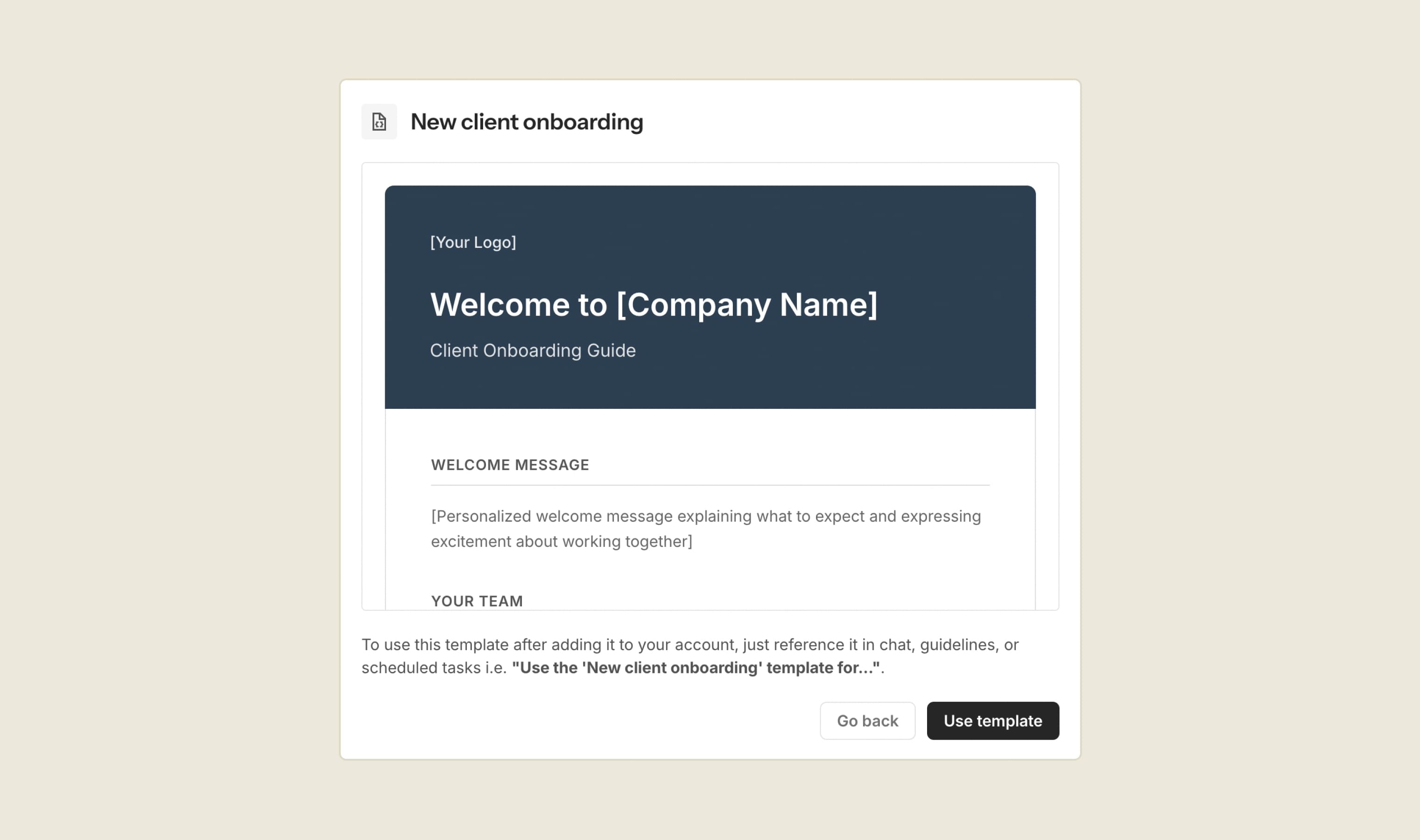
How to use a template
You can add templates to your account in a few steps:
- Open the Template Library
- Choose a template
- Click Use template to add it to your account
- Once it's in your Templates, customize the sections or placeholders
- Save it
- Reference it wherever you work with Quin
For example:
“Use my 'Meeting summary' template for this recap.”
or
“Apply the 'Client check-in' template.”
Quin will take it from there.

Customize to fit your workflow
Every template is fully editable, because every workflow is different.
You can:
- Rewrite introductions and transitions
- Add questions you always ask clients
- Remove sections you don’t need
- Tailor templates for different types of meetings
- Add your logo or formatting
- Match your tone or brand voice
Think of templates as a starting point — not a constraint.
The easiest way to stay consistent
Templates help you keep your communication clear and consistent without extra work. Whether you have a team of one or a team of twenty, you get the same structure, the same polish, and the same reliability every time.
Try it today: Browse the Template Library, pick a few favorites, and customize them to fit the way you work.
#skills