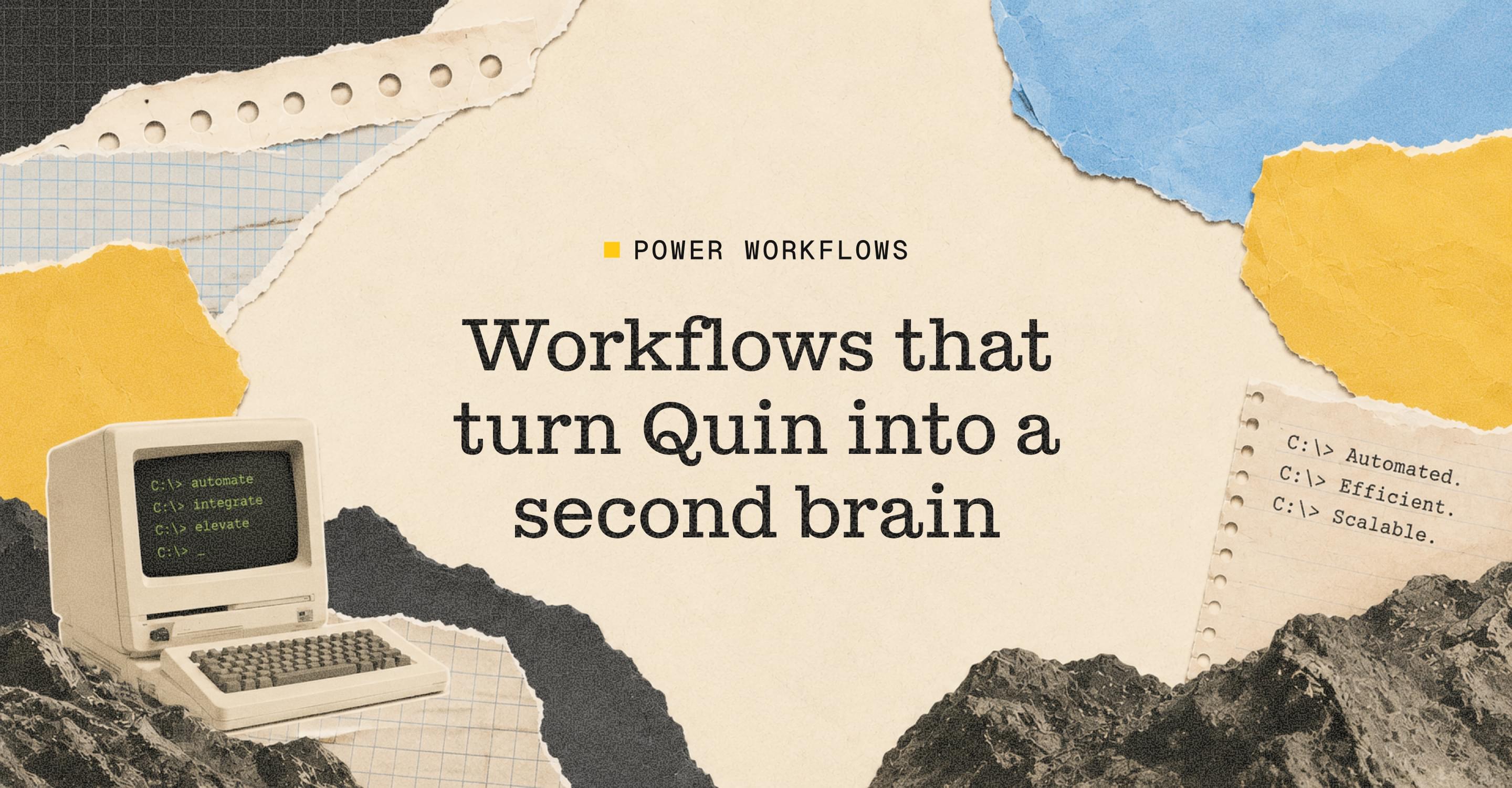
Workflows that turn Quin into a second brain
June 2, 2026
Every Tuesday in June, we’re running what we’re calling the Power Workflow Series — four editions, each one focused on a different way to get more out of Quin. We’ll start wider, with some context on where AI is headed and why it matters for people doing the kind of work our customers do, and then get specific about what you can actually set up.
We know that for a lot of people, “implementing AI in your practice” still sounds like a project, something to put off until you have a free afternoon. We want to help with that. The whole point of this series is to make it manageable. One idea, one thing to try, every week.
Here’s where we’re starting.
Your brain wasn’t built for this kind of storage
There’s a concept that’s been picking up real momentum in the productivity world over the last few years: the second brain. The idea, originally popularized by productivity author Tiago Forte, is deceptively simple. Your biological brain is not designed for storage and retrieval. It’s designed for pattern recognition, creative thinking, and judgment. The more you try to use it as a hard drive — remembering what a client mentioned six months ago, tracking which follow-ups went out, keeping mental tabs on 80 different people — the worse it performs at the things it’s actually good at.
The solution is to externalize that storage into a system you trust, so your actual brain can focus on the work only you can do.
The old way of building a second brain required you to actively capture, tag, organize, and file everything yourself. Most people started strong and abandoned it within a month. The new wave of tools — and this is what Quin is designed to do — handles that part automatically. It captures what matters, pulls it into context when you need it, and remembers things so you don’t have to.
One of our customers, Meghan, described a moment where she saw Quin draft an email and couldn’t figure out where it had found the detail it referenced. She went back to check. It had pulled a note from three years ago and connected it to something her client had mentioned that week. That’s the second brain working the way it’s supposed to.
The question isn’t whether AI can do this. It clearly can. The question is whether you’ve given it enough to work with.
How to set Quin up as a true second brain
Three things that make the biggest difference:
- Connect your integrations (Settings → Integrations)This is the memory layer. Your calendar, email, and CRM are what Quin draws on when it drafts a follow-up, preps you for a call, or flags something you missed. Without them connected, Quin is working blind. With them, every interaction you have with a client starts feeding into a picture that gets more complete over time.
- Configure your Notetaker with specific guidelines (Settings → Workflows → Notetaker)This is where most people underinvest, and it's the thing that makes the biggest difference. Quin is smart enough to take different actions depending on what happens in a meeting — but only if you tell it what those meetings look like. A compliance review should trigger different follow-through than a first intro call. An annual review needs a different recap format than a quick check-in. Write those instructions into the Notetaker workflow once, and Quin handles the rest every time. It also means that when your CRM is connected, Quin isn't just logging notes — it's pulling context from your client history to draft emails that already know the relationship.
- After that, Quin starts anticipatingThis is the shift. The setup is the last time you have to explain yourself. Once your integrations are live and your Notetaker knows how to handle your different meeting types, Quin stops waiting to be told what to do. It knows what's coming, pulls the right context, and handles the follow-through on its own. That's not automation — it's closer to what it actually feels like to have a great assistant who already knows how you work.
Quin gets better the longer you use it — not because of anything technical, but because it accumulates the kind of context a great assistant would have after months on the job. The sooner you start, the sooner that compounds.
#skills