Your plan now shows hours, not credits
September 14, 2026
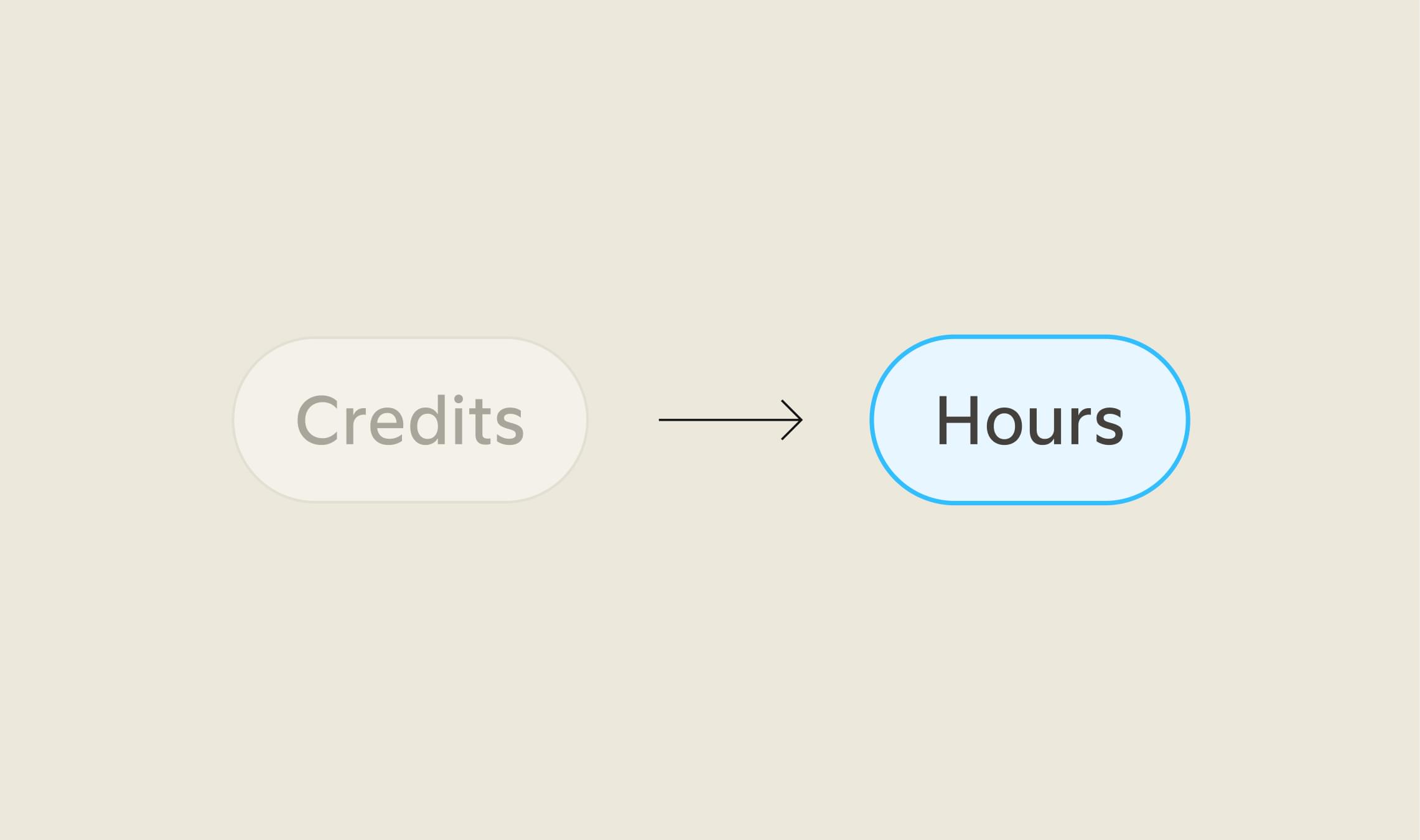
Your Quin plan and usage page now show hours instead of credits. Your price, your plan, and everything Quin does for you stay exactly the same. The only thing that changed is the number you're looking at.
Credits were never a number anyone could get a feel for. Seeing "2,500" on a usage page doesn't tell you much on its own. Hours are something you already know how to think about, the same way you'd think about time from an assistant.
What changed
Where your billing and usage page used to show a credit total, it now shows hours. That number reflects the exact same usage you had before, just measured differently.
Your plan name, your monthly price, and everything running behind the scenes are unchanged. This is not a price increase or a price decrease. It only changes what you see, not what Quin does or what it costs.
Why we made the switch
Quin tracks the same actions it always has behind the scenes: sending a message, updating a CRM record, generating a meeting recap, and so on. What used to show up as a credit count now shows up as hours, so it lines up with how you'd already think about paying for someone's time rather than how a computer measures a task.
Checking your usage
- Go to Billing & usage. You'll find it in your account settings.
- Look at your usage number. It now reads in hours instead of credits, reflecting the same activity as before.
- Reach out if anything looks off. Reply to any of our emails or write to help@heyquin.io and we'll walk through it with you.
#skills